Digital or Prints: Which Photo Booth Package Should You Choose?
Compare digital photo booth hire with a prints package: what guests receive, how 108 prints work, sharing without signal and choosing the right setup for your event.
Choose Digital if you mainly want photos and video-style memories to keep and share online. Choose Prints if handing guests a photograph to take home is part of the experience you want. A prints package is not a replacement for digital capture: with Motion Entertainment's Party Pod range, it adds physical prints to the digital features. The best choice depends on your guests and what you want them to leave with, not just the package name.
| What matters to you? | Digital package | Prints package |
|---|---|---|
| Photos, GIFs, boomerangs and short videos | Included | Included |
| Personalised photo template | Included | Included |
| Online gallery after the event | Included | Included |
| Physical photographs to take home | Not included | 108 prints included; ask about extras |
| Internet sharing | Three 4G SIM provided; signal dependent | Three 4G SIM provided; signal dependent |
| Setup and pack-down | You set up and repack the pod | You set up and repack the pod and printer |
When Digital is the better fit
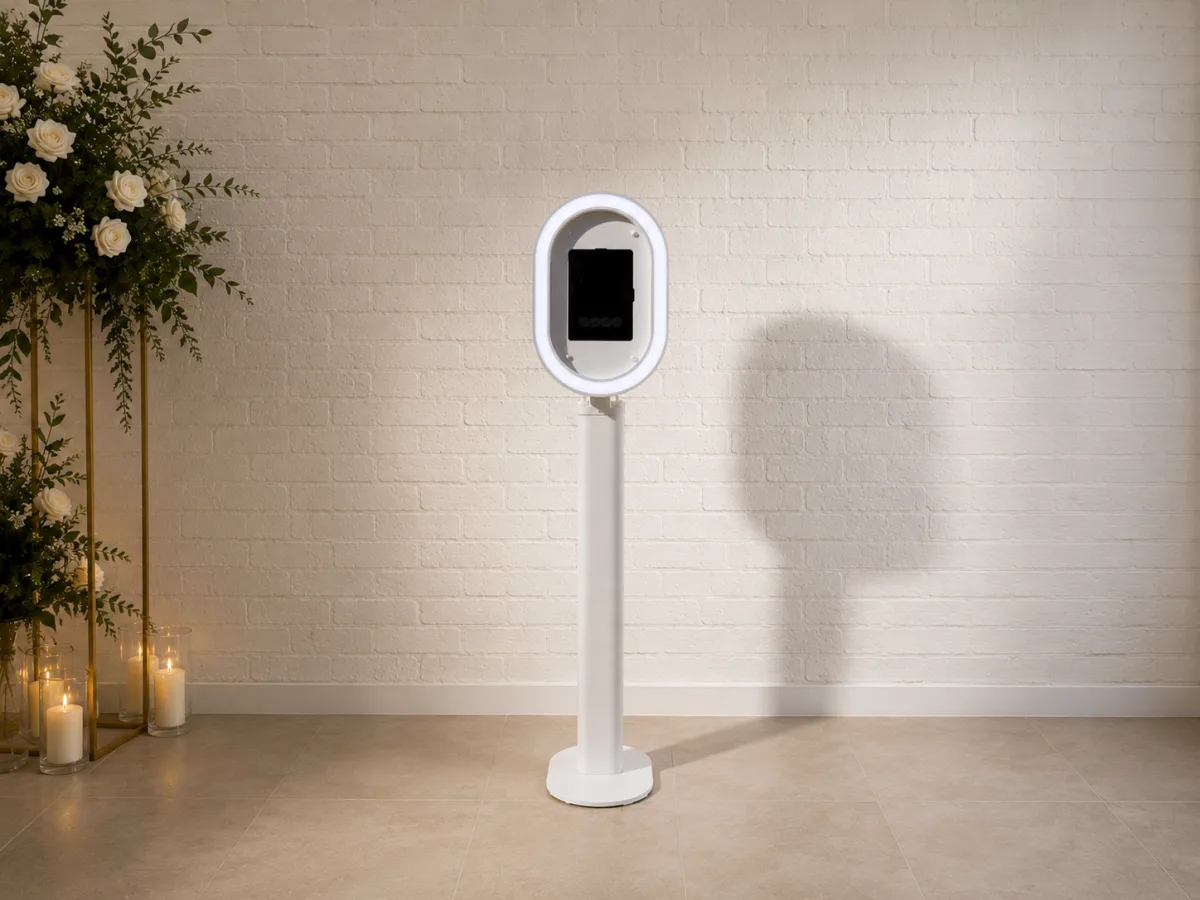
Digital is worth considering when your guests are more interested in having pictures on their phones than collecting a print. It can suit a house party, birthday or informal wedding where the booth is something people dip into throughout the celebration. You still get a personalised photo template and an online gallery after the event, rather than a generic camera on a stand.
The format also gives guests more than still photographs. GIFs, boomerangs and short videos can capture a little movement or a joke that would not come across in a single image. Those are digital media: choosing Prints does not turn them into moving paper photographs. Think about whether that variety matters more to your group than a physical keepsake.
When Prints is worth adding
Prints suit events where you want people to leave with something tangible. A personalised photograph can go on a fridge or noticeboard after a wedding, family celebration or birthday. For guests who rarely download event galleries, receiving a print on the night may be more appealing than another link to remember later.
Printed photographs can also be used alongside a guestbook, but plan that separately. Check whether your chosen quote includes an album, pens or any other extras; do not assume that a prints package contains a complete guestbook station. Decide whether photographs are for guests, an album, or both, because that affects how quickly you use the included quantity.
What does 108 prints actually mean?
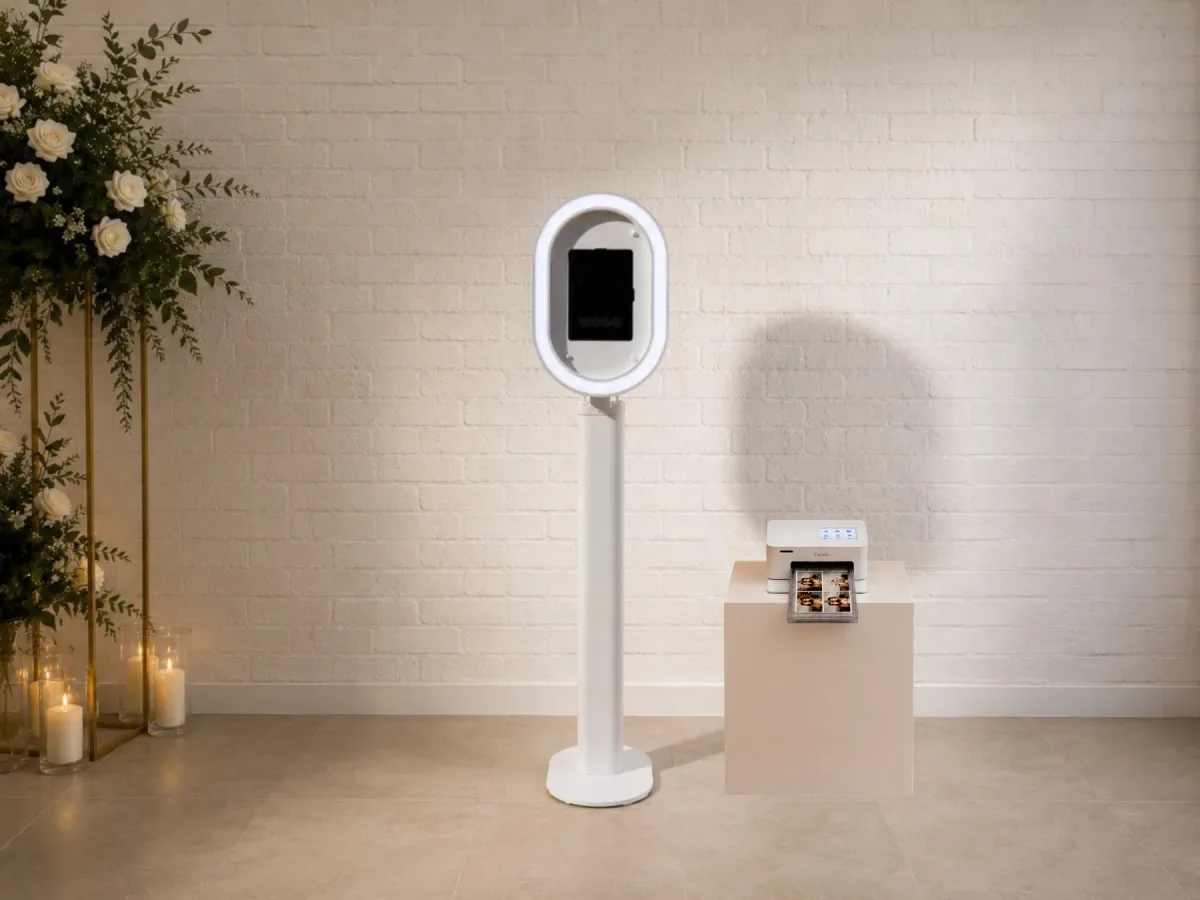
The included quantity is 108 physical prints, not a promise of unlimited printing or a photograph for every guest. A group can appear in one picture, while the same people may return several times. If you want photographs for a guestbook as well as copies for guests, mention that before booking so the printing requirement can be discussed properly.
We describe 108 prints as approx. five hours' worth. That is a guide, not a guarantee: a busy booth can use them sooner, while a quieter event can spread them out for longer. It is also not a five-hour hire limit. The Party Pod and Vintage Party Pod are hired per event, with usage tied to the delivery and collection arrangements rather than an attended-booth hourly slot. Request additional prints before your event if you expect more demand.
Will guests receive digital photos straight away?
Online sharing needs a working connection. Both packages include a Three 4G SIM as an added benefit, but mobile signal varies by location and building. Neither package guarantees that every image will reach a phone immediately. The pod functions normally without signal, and photographs can be sent when it is connected again. Choosing Digital does not mean your event stops if mobile reception is poor.
Choose the pod style separately from the package
The Party Pod and dark oak Vintage Party Pod both offer Digital and Prints options. You can choose the wooden finish because it suits the room without having to add a printer. Equally, you can choose Prints with the standard Party Pod. The Vintage Party Pod is a delivered, self-setup product; it is separate from our attended Vintage Photo Booth service.
A few checks before you decide
- Ask whether your guests want physical keepsakes, digital memories, or both.
- Allow for the printer when choosing the position and following the setup guide.
- Confirm props and other extras on your quote; props are optional unless included.
- Send names, dates and design preferences before the agreed preparation deadline.
- Arrange someone to receive, set up, repack and hand over the equipment for collection.
If your main concern is having nobody available to manage setup, the bigger decision may be self-setup versus a venue-installed or attended service. Compare those inclusions before deciding about prints. An organiser who wants everything handled on site may be happier with another booth, even if the photographs themselves look similar.
Compare the two packages and both pod styles in one place. Add the extras you need rather than paying for features your guests will not use.
Compare Party Pod Packages