Karaoke Machine Hire: Wi-Fi, TV Connections and What You Need to Check
Does a hired karaoke machine need Wi-Fi, a television or extra speakers? Check song access, phone hotspots, HDMI and venue connections before your party.
You do not need to turn your living room into a recording studio to enjoy karaoke. An all-in-one machine brings the screen, speaker and microphones together. The questions worth settling before booking are more practical: will the internet work where you are singing, can everyone see the lyrics, and does the room need anything beyond the built-in speaker? Here is what to check before hiring a karaoke machine for a birthday, family celebration or work party.
What does the machine already include?
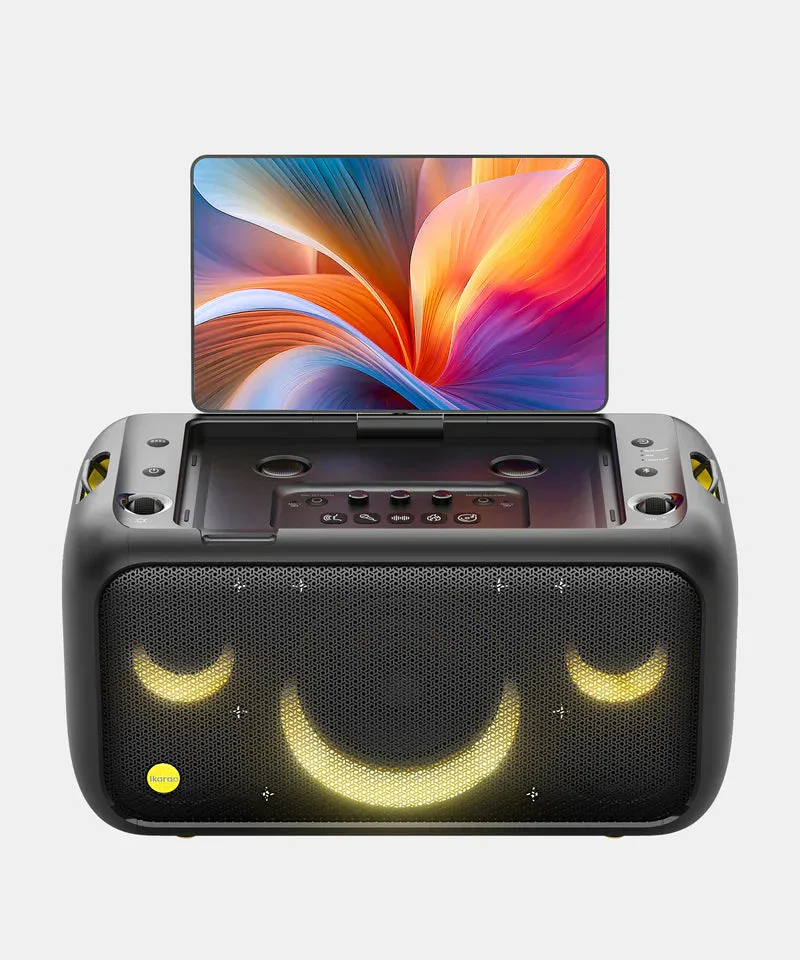
Motion's karaoke machine has a 13.3-inch rotating HD touchscreen, an integrated speaker and two rechargeable wireless microphones. Song access and the karaoke subscription are included in the hire. You do not need to arrange a separate subscription simply to use the supplied system. Power and charging equipment, setup guidance and remote support are also included; check your quote for the agreed delivery and collection arrangements.
Does karaoke machine hire need Wi-Fi?
A stable internet connection is needed for the full song list. The client provides this through venue Wi-Fi or a suitable phone hotspot. Limited karaoke may be available offline, but do not plan your evening around an assumption that every favourite song will work without internet. Confirm the connection before guests arrive and try a few songs through the actual machine.
| Connection | Check before the party |
|---|---|
| Venue Wi-Fi | Ask for the network details and permission to connect hired equipment. Test in the room being used, not just at reception. |
| Phone hotspot | Check mobile signal, available data and phone power. Keep the phone close enough to maintain a dependable connection. |
| No reliable internet | Tell us before booking. Offline choices are limited and are not a replacement for the full online song list. |
A Wi-Fi symbol alone does not prove a connection will be suitable. Some venue networks need a browser sign-in or periodically disconnect devices. Ask the venue how guest equipment connects, and allow time to resolve access before the party. If using a hotspot, arrange a charger rather than relying on a phone that also needs to last the evening.
Can you connect it to a television?
The machine has an HDMI connection for showing lyrics on a compatible television or display. A bigger screen can help when singers are standing further away or a group wants to follow along. For a smaller gathering, the integrated touchscreen may be all you need. Think about where the screen will sit and whether people can see it without turning away from the rest of the party.
Do not assume every television, wall socket or adapter will work. Send us the television's make and model, a clear photograph of its input connections and the approximate distance from the machine. Ask which cable and length you need, and whether it is included in your particular hire. A venue screen may also need access permission, a remote control or someone to select the correct input.
What about connecting to venue speakers?
The machine already produces sound, so extra speakers are not automatically necessary. However, a larger group or a long, noisy room needs a different conversation from a few friends singing at home. Tell us your guest numbers, room size and intended use. We can then discuss whether the self-contained machine is the right choice and whether any additional equipment needs specifying.
Connecting to an existing PA is not simply a matter of finding any available cable. The machine's output and the venue system's input must be compatible, and someone needs permission to use the venue equipment. Send photographs or model details for both the speakers and any mixer or wall connections. Please do not buy adapters or promise your venue that its system will work before the connection has been checked.
A quick pre-party test
- Place the machine securely, with clear access and cables kept away from walkways.
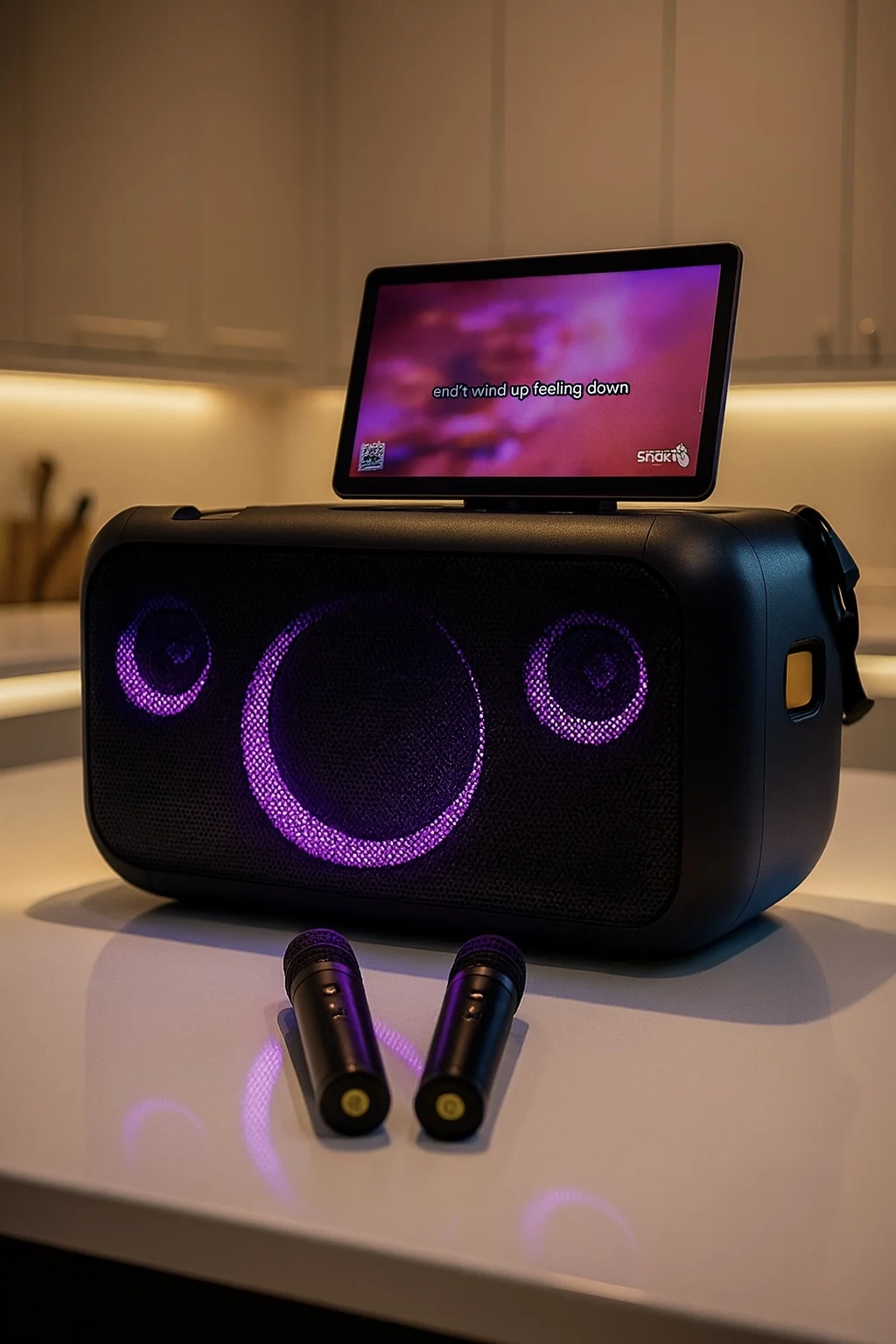
- Connect power, check the microphone charge and test both microphones at a sensible starting volume.
- Connect to the intended Wi-Fi or hotspot and play several songs.
- If using another screen or sound system, test the complete connection before moving equipment into its final position.
- Keep drinks away from the equipment and retain the packaging and accessories for return.
Machine hire or a Karaoke DJ?
Choose machine hire when you want to run the singing yourselves. If you would rather have someone manage turns, introduce singers and mix karaoke with normal DJ sets, look at hosted Karaoke DJ Hire. The standard hosted setup alternates singing and disco in the same room; it should not be assumed to provide two independently operated rooms.
Send your event date, postcode and guest numbers, plus any screen or speaker details you want us to check. We will confirm the suitable setup in your quote.
Get a Karaoke Machine Hire Quote